If you've read that Tamil Nadu now lets you register a property "anywhere, anytime, without visiting an office," the obvious next question is: okay, but how? This is the walkthrough — what the system covers, what you need before you start, each step in order, and one genuine gap in the public explanation that's worth knowing about before you rely on it.
This guide is specifically about the newer, fully-online Anywhere Registration system, mandatory since August 17, 2026, for a specific set of transactions. If you're registering a resale flat, an independent house, or anything outside that specific scope, the process that applies to you is still the older online-prep-plus-one-SRO-visit flow — see our general property registration step-by-step guide for that one instead.
Which transactions this actually covers
Anywhere Registration isn't a replacement for all property registration in Tamil Nadu — it's mandatory for a specific, limited category:
- First-sale deeds of plots in approved layouts, sold by a promoter or developer
- First-sale deeds of flats or apartments, sold by a builder
- Tamil Nadu Housing Board (TNHB) sale documents
- Connected mortgage and receipt documents tied to bank loans on these first sales
Resale transactions between private individuals are not covered by this mandate. If that's your transaction, the steps below don't apply to you — use the general guide linked above instead.
Before you start: what you'll need
- Aadhaar number for every party to the transaction — buyer, seller/builder representative, and witnesses — with a mobile number linked to that Aadhaar for OTP verification
- PAN card details for buyer and seller
- Property details: survey number, approved layout/plan reference, and the builder's RERA registration details for the project
- The sale deed or draft document to be registered, prepared in advance (typically by the builder's or your own documentation team)
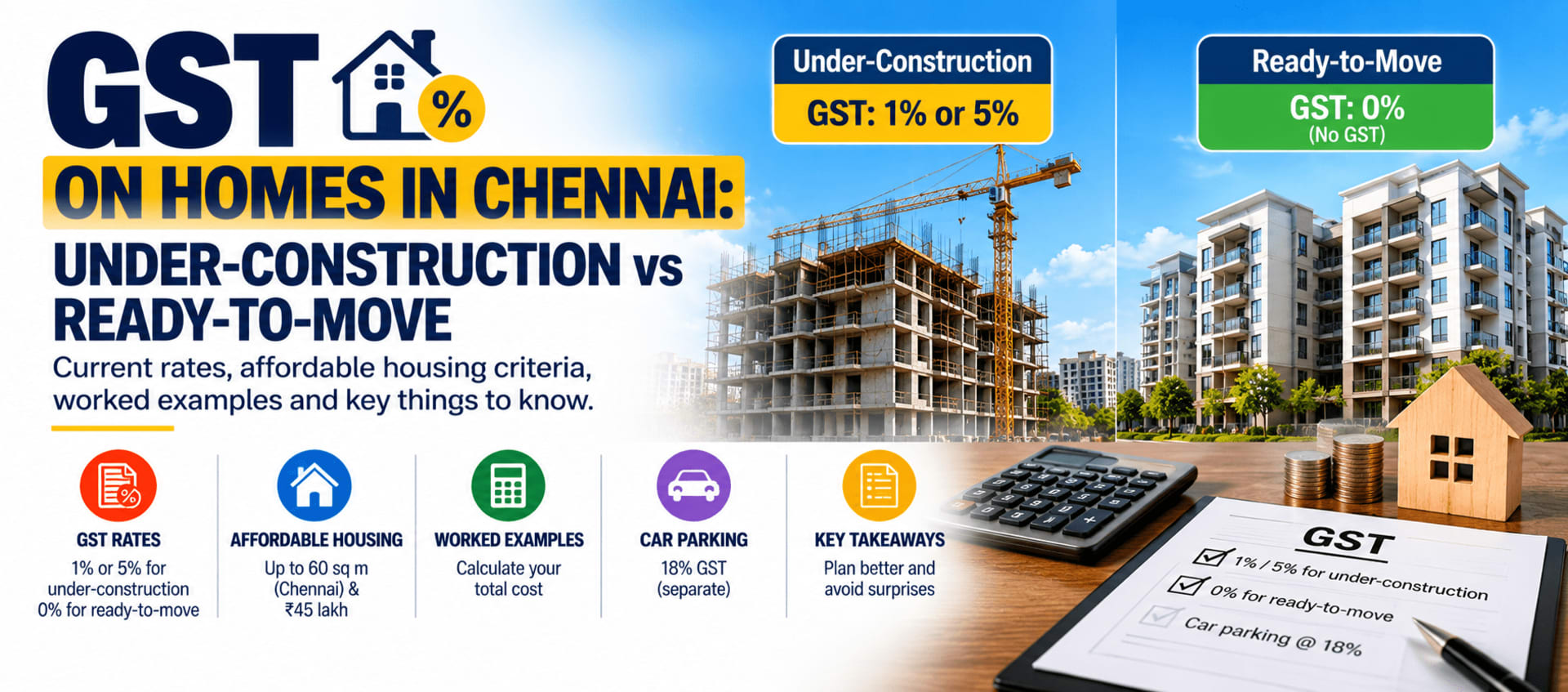
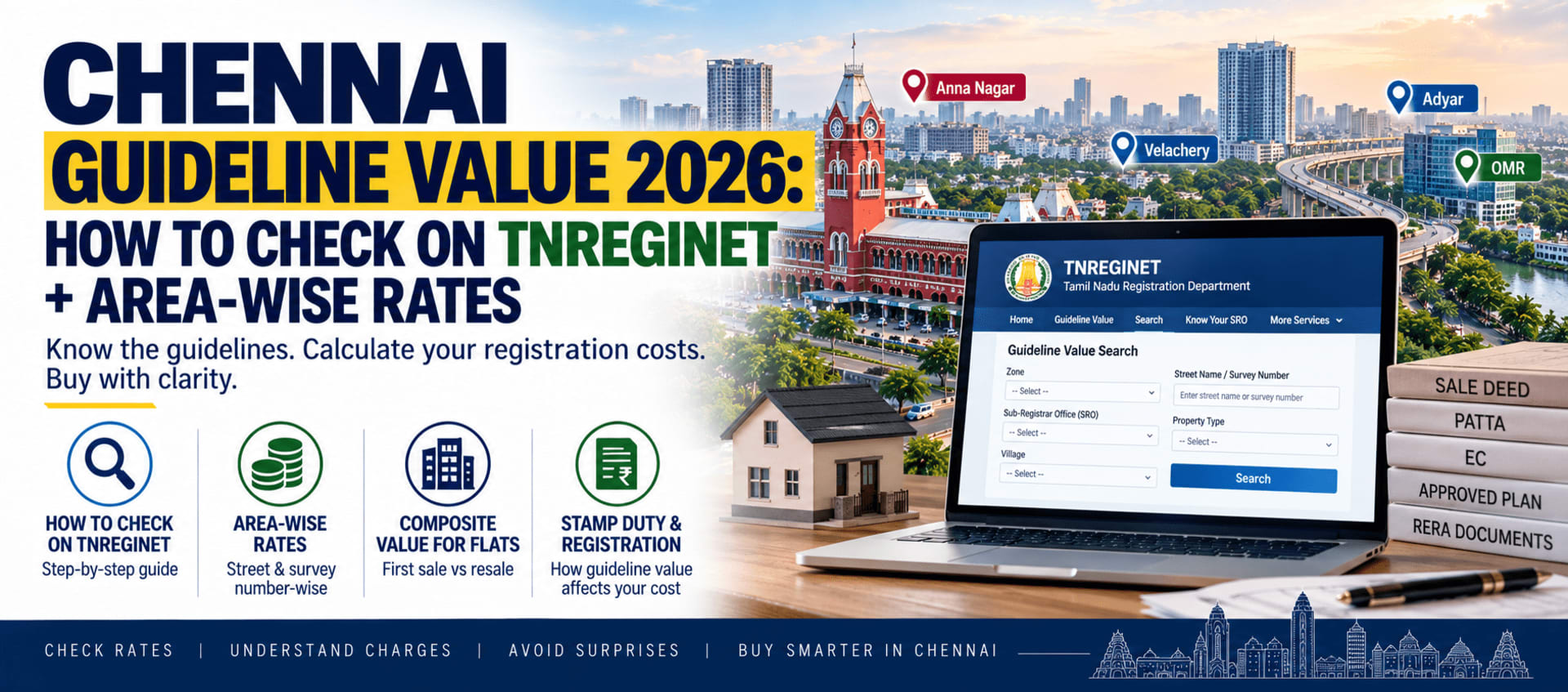
- A payment method for stamp duty and registration charges online — Tamil Nadu charges 7% stamp duty plus 1% registration charges on the higher of guideline value or sale value (capped at ₹4 lakh for high-value transactions), with a 1% stamp duty concession for women buyers registering solely or jointly as the first holder. Check the current guideline value for your property's street and zone at tnreginet.gov.in before you calculate what you owe.
Step-by-step: registering under Anywhere Registration
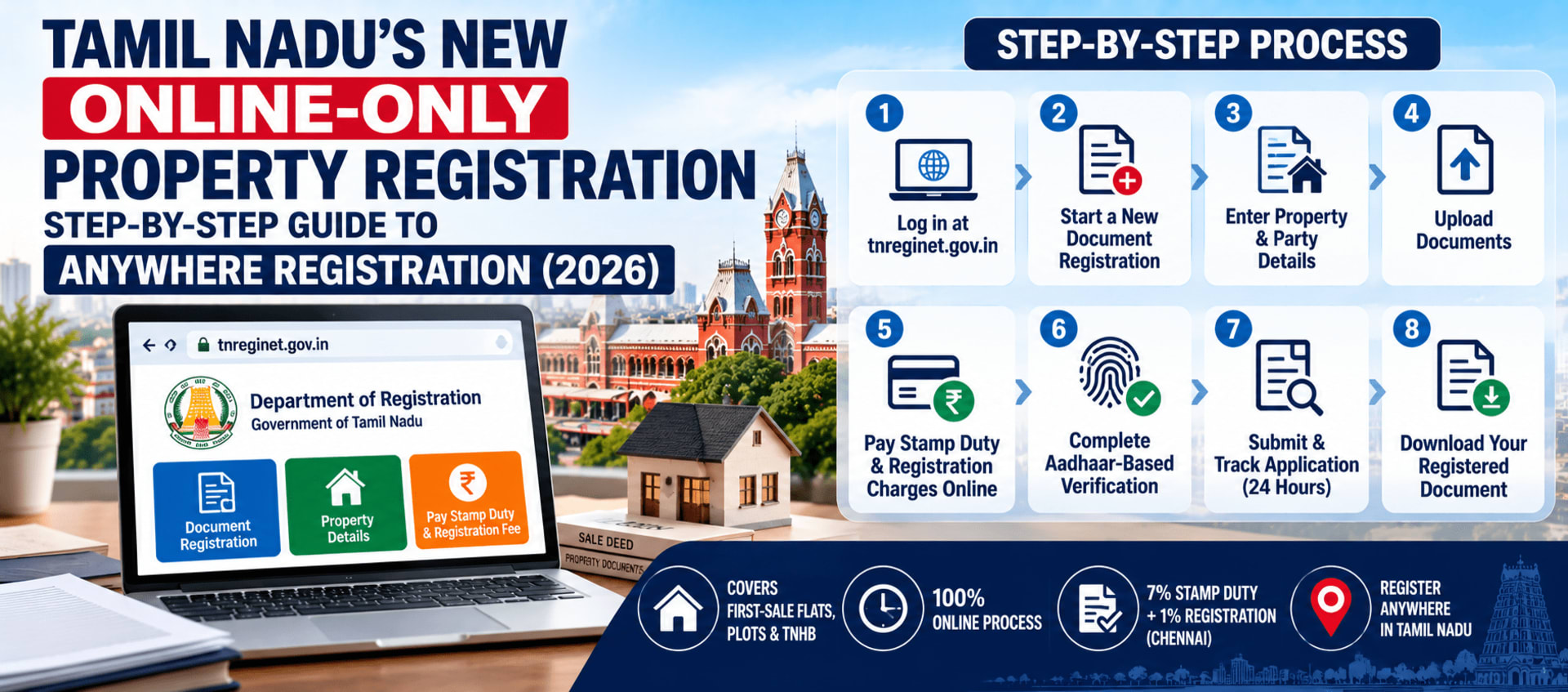
Step 1: Log in at the official portal only
Go directly to tnreginet.gov.in — type it yourself rather than clicking a search result. Several look-alike domains (names close to "tnreginet" with extra letters or different endings) currently appear in search results alongside the real site. Property registration involves real money and legally binding documents, which makes this exactly the kind of transaction scammers target — never enter Aadhaar details, payment information, or upload documents anywhere except the genuine government portal.
If you don't already have an account, select User Registration, enter your personal details (name, date of birth, address, ID number, mobile number, email), choose a username and password, and verify via OTP sent to your registered mobile number. Returning users log in directly with their username, password, and a captcha.
Step 2: Start a new document registration
From your dashboard, go to Registration of Document and select the document type that matches your transaction — a first-sale deed for a flat or plot, a TNHB sale document, or a connected mortgage document.
Step 3: Enter property and party details
Fill in the property details (survey number, project/layout reference, unit details) and the details of every party to the transaction — buyer, seller or builder representative, and witnesses — including each party's Aadhaar number.
Step 4: Upload your documents
Upload scanned copies of the sale deed/draft and any supporting documents the portal requests for your specific transaction type.
Step 5: Pay stamp duty and registration charges online
The portal calculates stamp duty and registration charges based on the property details you've entered; pay online through the portal's payment gateway. Keep your payment confirmation — you'll want it if anything needs to be resubmitted later.
Step 6: Complete Aadhaar-based identity verification
This is the step where the "presenceless" claim gets genuinely hard to pin down. Official announcements describe identity verification as UIDAI-approved biometric authentication — fingerprint or iris — alongside Aadhaar-linked OTP. OTP verification tied to your Aadhaar-registered mobile number is straightforward to do from anywhere. What no source we checked clearly explains — not the official announcements, not any third-party walkthrough — is the actual mechanism for completing a fingerprint or iris scan without visiting an office or a facilitation point with the right hardware, which most people don't have at home.
Our honest recommendation: don't assume you can complete this step entirely from your living room with just a phone. Confirm directly with your builder (who will likely have been through this already for other buyers) or your local Sub-Registrar office exactly how biometric verification works for your specific case before you count on a fully remote process.
Step 7: Submit and track your application
Once submitted, a registering officer is expected to process your application within 24 hours — registering it, returning it for correction, or rejecting it. If sent back for correction, you can resubmit within 30 days. Track your application status from your portal dashboard rather than waiting for a notification.
Step 8: Download your registered document
Once approved, your digitally signed document — carrying the sub-registrar's digital signature, a QR code with registration details on every page, and a dynamic five-colour endorsement for verification — is sent to your registered portal account and shared via WhatsApp to your registered mobile number. It stays downloadable for 60 days, so save your own copy promptly rather than relying on the portal to hold it indefinitely.
If your transaction isn't covered by this mandate
Buying resale, an independent house, or anything outside first-sale flats/plots/TNHB documents? You'll still go through the older process — online preparation (Encumbrance Certificate, guideline value check, sale deed drafting, stamp duty payment, appointment booking) followed by one in-person Sub-Registrar visit for document verification and biometrics. Our complete property registration step-by-step guide covers that process in full, including the stamp duty calculation and the Encumbrance Certificate application. For the EC itself specifically, see our guide to getting an Encumbrance Certificate online, and for checking what you'll actually owe, our Chennai guideline value guide.
What this means if you're buying a first-sale flat or plot
- Build in time for the full online cycle, not a single-day assumption — between document upload, the 24-hour-plus-correction processing window, and resolving any biometric-verification questions, this isn't necessarily faster than the old single-visit process, just different in where the friction sits.
- Ask your builder directly how they're handling the biometric step for other buyers on the same project — they've likely already been through it and can tell you what actually happens in practice, which is more reliable than any single published source right now.
- Only ever use tnreginet.gov.in — bookmark it rather than searching for it each time, given how many look-alike domains are currently surfacing in search results.
- Download your registered document within the 60-day window and keep your own saved copy — don't assume indefinite portal access.
For context on why this shift happened and what Day 1 of the mandate looked like, see our piece on 248 property deals done on Day 1 of Anywhere Registration.